01 / Web-to-print infrastructure for printing companies
From screen to substrate.
SkyDesign connects your branded storefront, a browser design studio, proof approval and the production handoff—so a customer’s idea arrives with the detail your print team needs.
One connected route: live product selection, artwork setup, explicit approval and physical output.
01Choose
02Customize
03Design
04Approve
05Produce
02
The missing layer between enquiry and press.
The sales channel understands the job
Sell the product. Collect the production detail.
SkyDesign gives customers a clear place to choose products, start from prepared templates, build artwork and submit a proof.
Your team receives the choices, customer context and approval state in a structured workflow—not a trail of disconnected messages and mystery attachments.
SCREEN→SHOP FLOOR
03
The production line
Scroll it. Click it. Follow the job.
Five decisions. One clean handoff.
A customer-facing journey mapped to the information a printer actually needs. Select any stage, or keep scrolling.
01CHOOSE
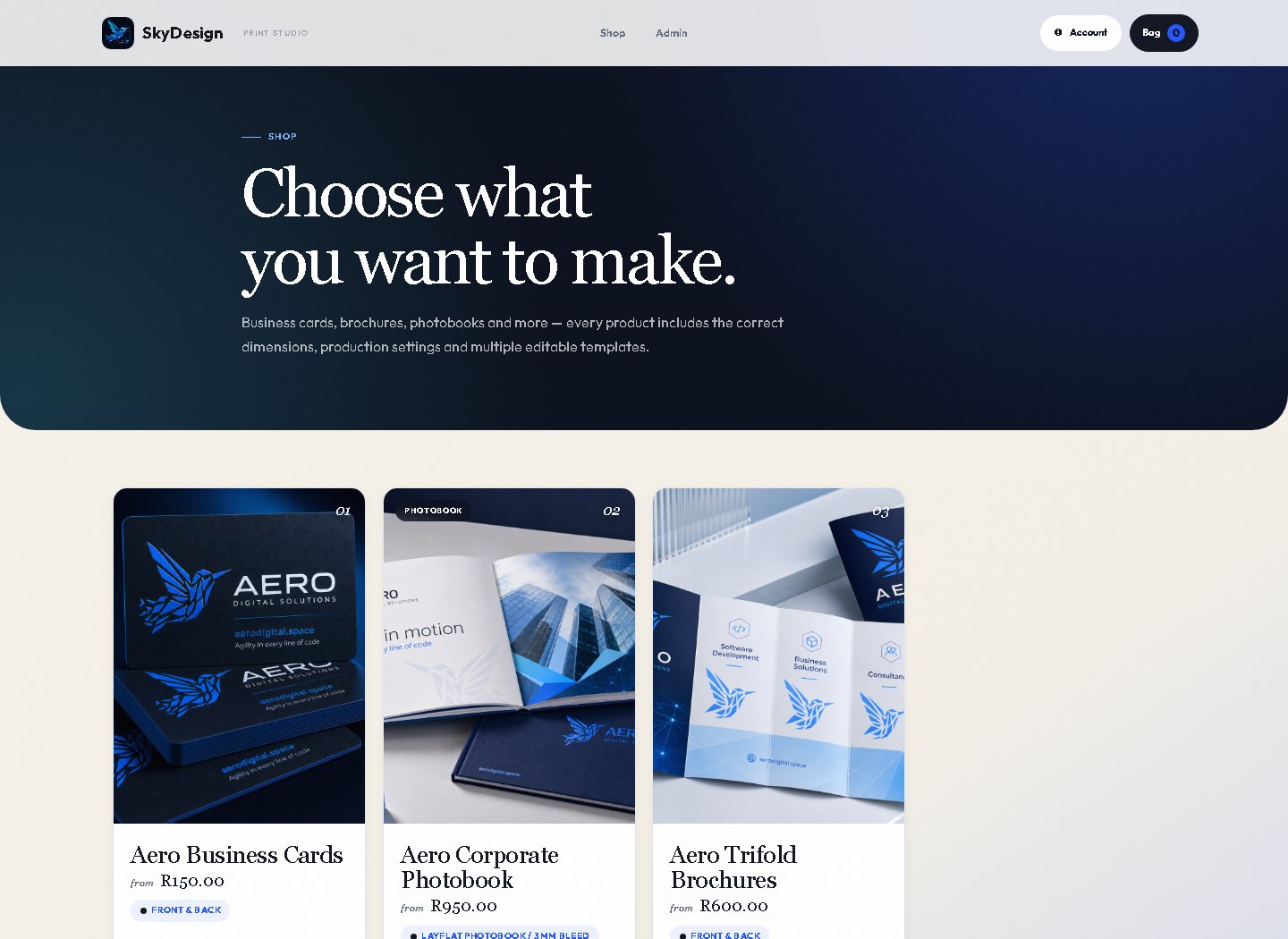
REAL PRODUCT UI / SIGNED OUT
Start with a known product
A catalogue built from production-ready choices.
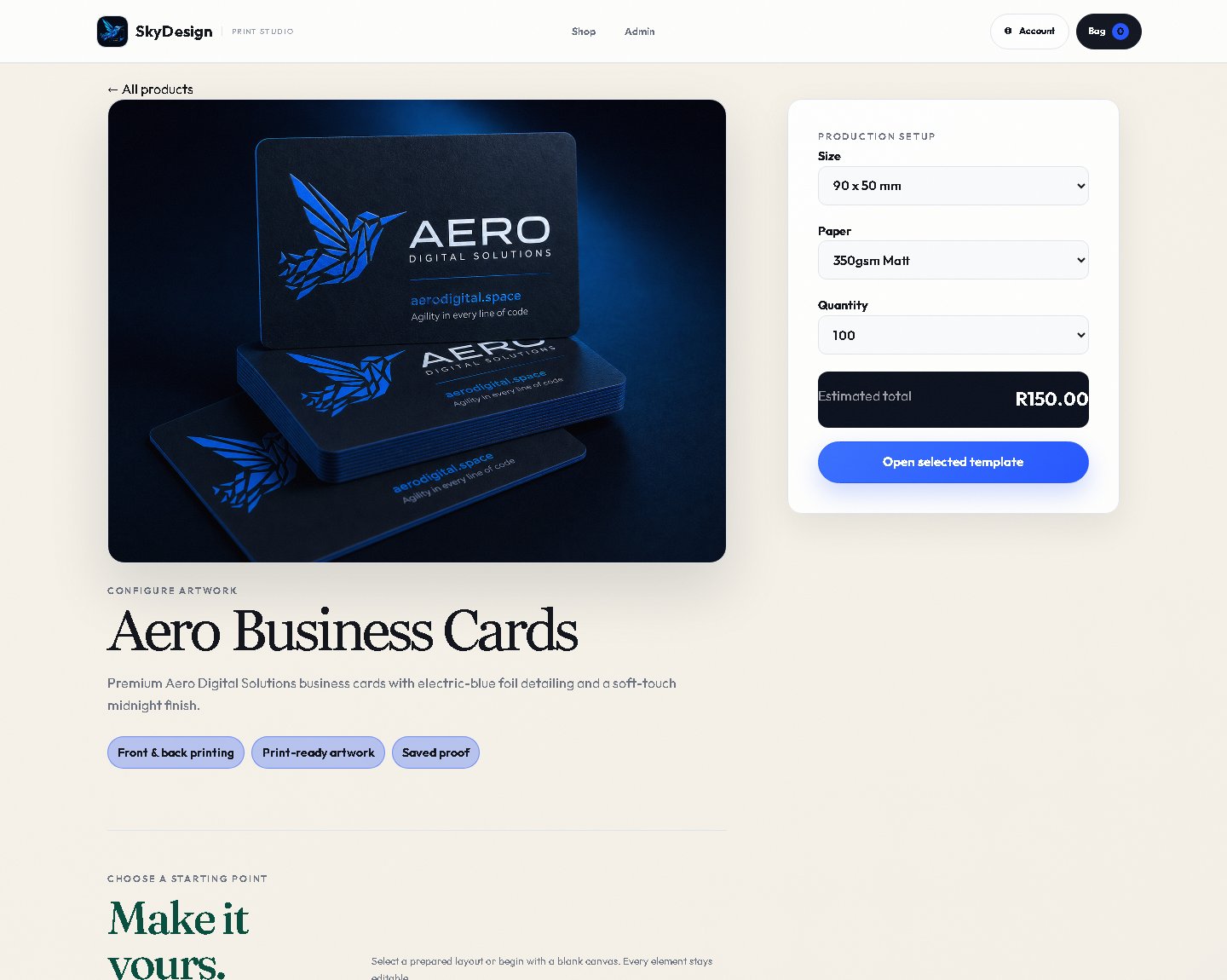
Customers browse live products and enter a route already connected to sizes, quantities, paper choices and prepared templates.
Benefit
Less ambiguity at intake
Evidence
Working product catalogue
REAL PRODUCT UI / CONFIGURATOR
Make the job concrete
Format, stock and quantity travel with the design.
Product configuration creates context before the canvas opens, including real dimensions for standard products and spread-aware options for photobooks.
Benefit
Specifications collected once
Evidence
Product-aware selection
CAPTURE SLOT / STUDIOAuthenticated interface
Capture required: Fabric.js canvas with layers, uploads, type, shapes, bleed and safe-zone guides.
Intentionally not fabricated
A browser canvas with print rules
Creative freedom inside a production-aware frame.
The Fabric.js studio supports templates, text, uploads, shapes, layers, multi-side work and photobook spreads—while print guides remain visible.
Benefit
Better-prepared artwork upstream
Evidence
Authenticated capture pending
PROOF / VERSION 04Ready for review
Customer confirms the artwork before production.
Dimensions
Checked
Bleed
Checked
Approval
Required
LOCK AFTER APPROVAL
Approval becomes a state
No quiet edits after sign-off.
Submitted work moves through an explicit review flow. Once approved, the proof is immutable, preserving the version the customer accepted.
Production administrators can manage the catalogue, templates, standards, approval queue and order workflow from the operational side of the platform.
Benefit
A structured print handoff
Evidence
Admin and production controls
04
Interactive press check
Move from artwork to production rules
See the lines the customer should not cross.
SkyDesign carries product geometry into the studio. Use the control to inspect the visual language of artwork, bleed, trim and safe zone.
ArtworkBleedTrimSafe
The customer’s design begins as the visible artwork.
BLEEDTRIMSAFE ZONE
Guide preview / explanatory, not to scale
05
What is inside
Not a storefront skin
A connected operating layer for web-to-print.
Every surface serves the same job: help customers submit clearer work and help the print team move it forward with confidence.
01
Customer-facing
Branded storefront
Live products, product configuration, prepared templates and a direct route into the studio.
Browse → configure02
Creative workspace
Fabric.js design studio
Editable templates, type, images, shapes, layers, pages and print guidance in the browser.
Design → save03
Client continuity
Accounts + organizations
Private designs and assets, order history, company membership and role-aware collaboration.
Return → collaborate04
Production control
Approval + administration
Proof review, immutable approval, product and template management, production standards and order operations.
Approve → produce
REAL INTERFACE / LOCAL CAPTURE
The software is the evidence.This signed-out capture contains no customer data. The studio sits behind account access so saved work and assets remain private.Use the live storefront ↗
06
The output library
Real demo products
Pixels are only half the story.
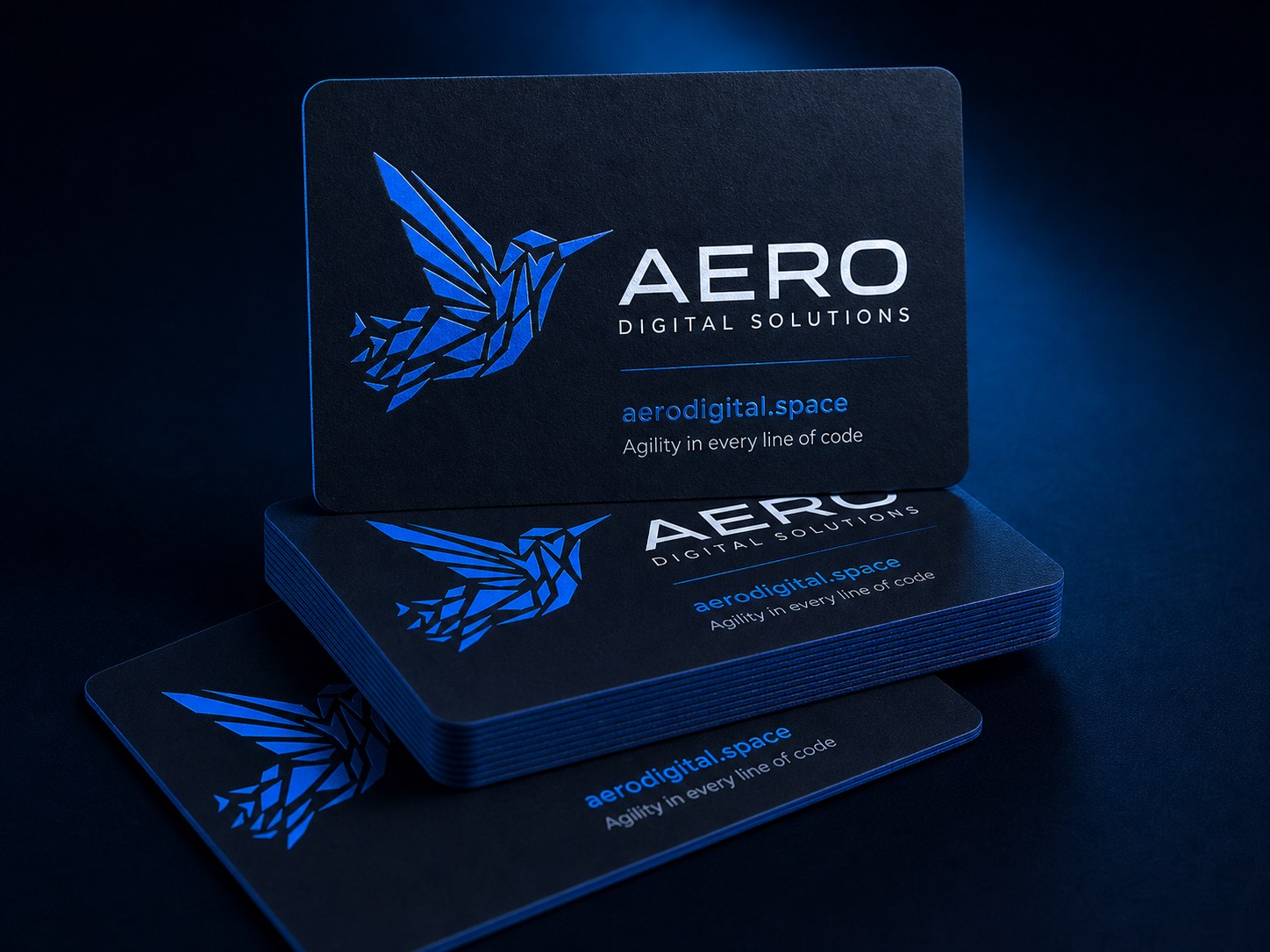
Open a product, choose its production setup and explore the working customer journey.
THE RANGEFour demo products. Twelve prepared templates.Each route is live.
SKY / DESIGNSDBUILT BY AERO
A system shaped around the printer
Your products. Your standards. Your customer relationship.
Aero Digital Solutions works with printing companies to configure the catalogue, templates, production rules, access roles and branded customer experience.
 REAL PRODUCT UI / SIGNED OUT